Audience · Free creator tool
YouTube Engagement Rate Calculator
Calculate YouTube engagement rate from likes, comments and views. Understand the formula, compare consistent reporting windows and avoid misleading benchmarks.
Your scenario
Prefilled values are hypothetical. Replace them with your own figures.
Use the same video and observation window as the interactions.
Count of likes for the same scope.
Count of comments; repeat commenters can generate multiple comments.
No login. These inputs stay in your browser.
Transparent calculation
View-based engagement rate
4.5%
The formula
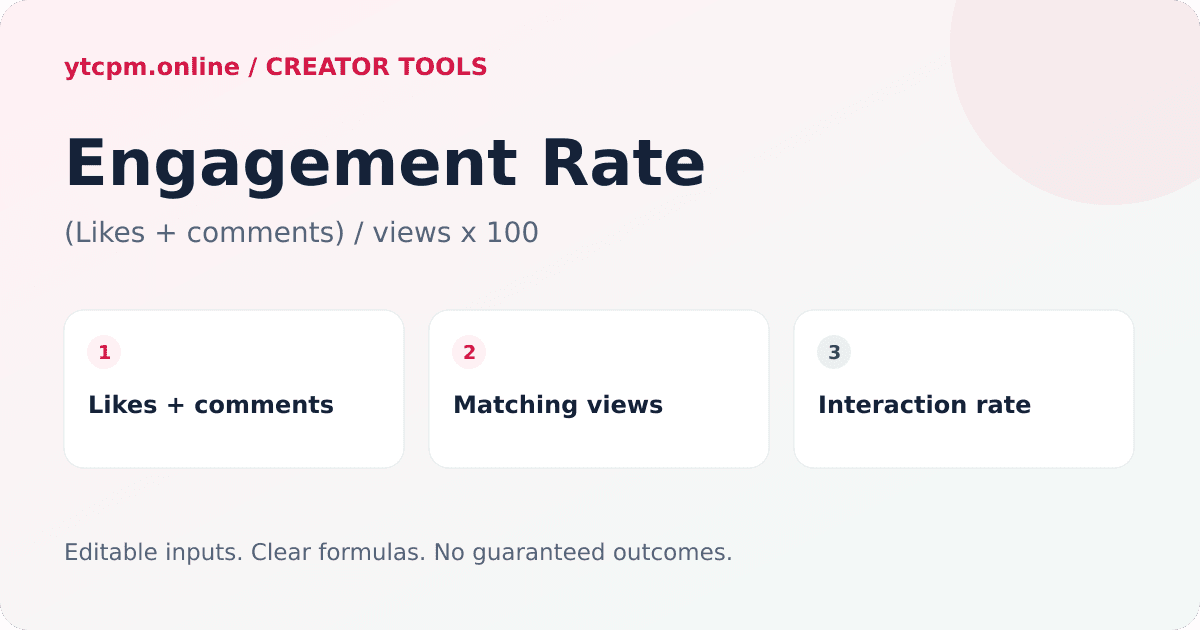
View-based engagement rate = (likes + comments) ÷ views × 100
This calculator defines engagement as likes plus comments divided by views. Other tools may use different interactions or denominators.
Worked example
How the engagement rate calculation works
For a video with 10,000 views, 400 likes and 50 comments, this defined interaction rate is (400 + 50) ÷ 10,000 × 100 = 4.5%. This is not a percentage of unique people.
Choose a consistent engagement definition
A subscriber-based rate answers a different question from a view-based rate. This tool excludes shares, saves and other interactions so its formula is explicit and reproducible. Do not compare its output directly with a benchmark that uses a different formula.
An interaction rate is not a unique-person rate
A person can both like and comment, or leave multiple comments. That means the numerator is not a count of unique engaged viewers. In unusual cases the calculated rate can exceed 100%; the tool reports the formula rather than silently capping the result.
Compare similar videos, not universal thresholds
Use the same observation window, format, audience and content purpose when comparing uploads. Small view counts can make rates unstable, while moderation and delayed reporting can change counts. A higher rate alone does not prove revenue potential, authentic audiences or future recommendation reach.
Frequently asked questions
What is a good YouTube engagement rate?
There is no universal cutoff supported by this calculator. Compare consistently defined rates for similar videos over comparable windows; this page does not claim an industry benchmark.
Why use views instead of subscribers?
Views describe the consumption of the selected video. Subscribers describe channel audience size and can include people who never watched that upload. The denominators answer different questions.
Can engagement rate exceed 100%?
For a likes-plus-comments interaction rate it can, because interactions are not unique people. Check the input scope and counts if the result is unexpected.
Continue your creator plan
Explore all tools →Planning
Sponsorship quote
Build a YouTube sponsorship quote from expected views, a negotiated sponsor CPM, production costs and rights fees. No invented market rates or guaranteed deals.
Open free calculator →Audience
Watch time
Calculate YouTube watch hours from views and average duration. Model views needed for a watch-hour target without confusing total hours with YPP eligibility.
Open free calculator →Earnings
Views to money
Convert YouTube views to estimated money using your own RPM. Compare 1K, 10K, 100K and 1M views, with transparent examples and no fixed-payout claims.
Open free calculator →Every free YouTube tool
Each tool states its formula, its assumptions and its limits. Pick the one that matches the number you need.